





Getting Started with Soracom SIM Cards
Welcome to Soracom, where setting up your SIM card and configuring your operator account takes just a few minutes. In a few simple steps, you'll be ready to enjoy secure, reliable cellular connectivity with a host of powerful features at your fingertips.
- Global cellular service with built-in multi-carrier support
- Automatic carrier failover for seamless connectivity
- Exceptional customer support with a 99.7% satisfaction rating
Step-by-Step Guide:
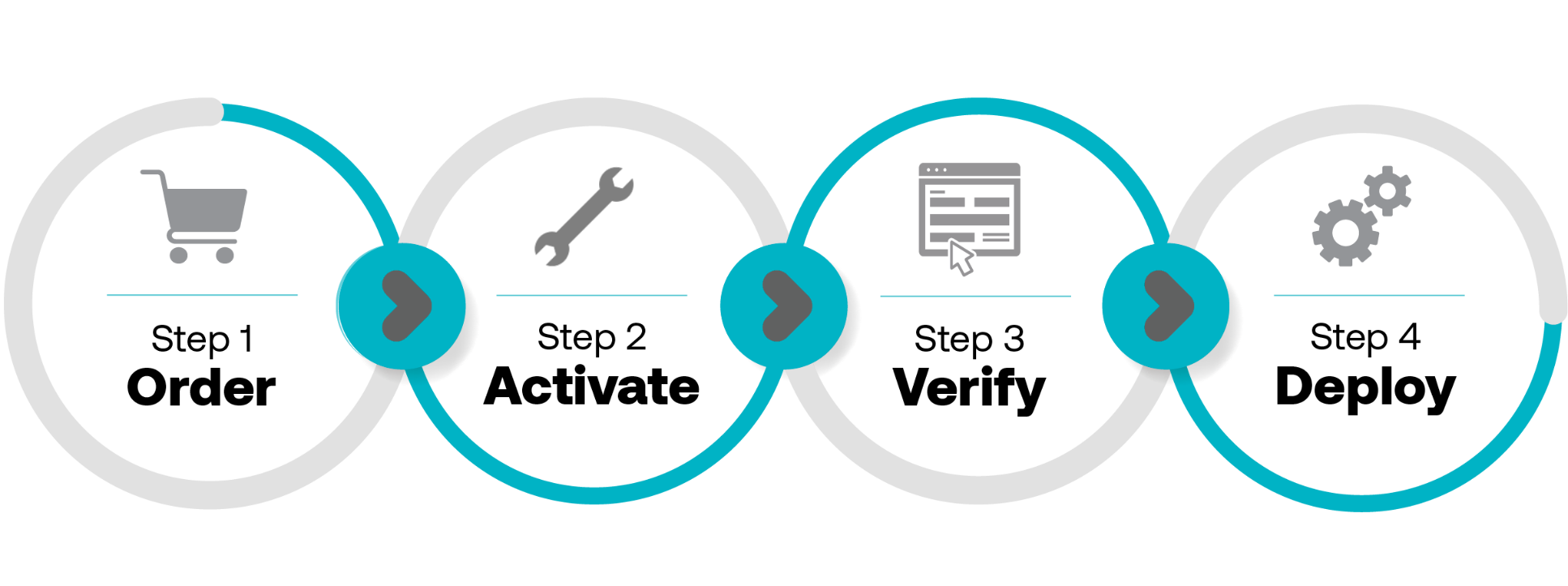
- 1. Order your SIM Card: Purchase a Soracom SIM card from Mouser Electronics. (Note: If you're ordering an Onyx USB LTE-M Modem, don't forget to add a Soracom SIM card to your order.)
- 2. Activate your SIM Card(s): Follow the instructions included with your SIM card to activate it.
- 3. Verify your connection: Perform a Ping Test to ensure your device is connected to the cellular network.
- 4. Deploy your device: Use your Soracom SIM card to connect your device in over 165 countries worldwide.
Getting the Most from Your Soracom SIM:
To avoid surprises and optimize your Soracom experience, follow these helpful tips as you’re setting things up in your User Console:
Configure your Event Handler tool:
When you turn on notifications and configure the data use thresholds for your SIM(s), you will get timely alerts that can prevent runaway data use caused by malfunctioning devices or human error.
Setup a Recovery Email:
Be sure to add a recovery email to your console account and consider adding an additional point of contact for a business or organization for account access and redundancy.
Put Credentials in a Safe Place:
Access to your Operator Account should be accounted for in your company disaster recovery plan. Always have a copy of your Operator ID credentials stored in a safe place and avoid a single point of failure or loss.
Unlock the Full Potential of Your New Cellular IoT Network:
Soracom offers powerful features to enhance your cellular connectivity. Discover how you can reduce data costs, support VPN over cellular, and seamlessly integrate with the cloud.
Reduce Data Overhead
Save up to 80% on data consumption with data protocol optimization and reduced TLS overhead.
Explore SORACOM's developer documentation on reducing data overhead over our cellular network
Support Private Networks
Improve compatibility with corporate networks and establish secure VPNs over cellular connections. Allow your devices to communicate with one another on their own private networks.
Check out SORACOM's developer documentation on setting up a Virtual Private Gateway
Integrate Cloud Platforms
Soracom reinvented telecommunications infrastructure to natively live on the cloud so you can quickly deploy devices and applications. Being compatible with any cloud platform, Soracom allows you to build, deploy, and manage your IoT solutions with ease on AWS, Azure, or even private cloud systems.
Check out SORACOM's developer documentation on cloud integration
Getting Started: How to Set Up Your Soracom SIM
Learn how to get started using Soracom for your IoT projects.